You Can Now Top Up Your Fountain App From Coinbase
Coinbase's Lightning integration lets its 100 million users top up a Fountain wallet directly.
· News
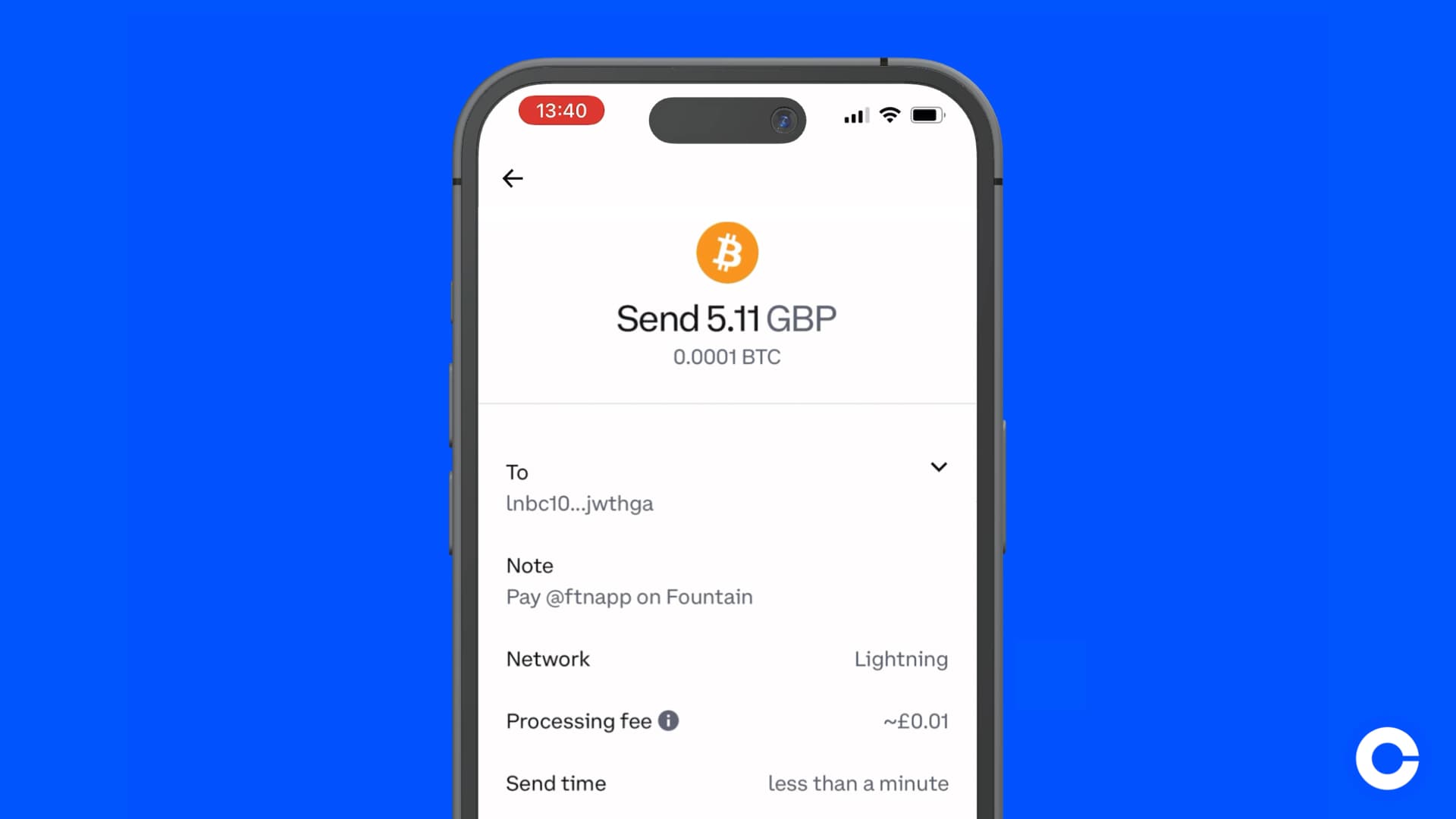
After a long wait, Coinbase customers are now finally able to send, receive, or pay with bitcoin on Lightning directly from their Coinbase account. The rollout of Coinbase’s Lightning integration commenced on Tuesday 30th April 2024 and is now available to most of their customers worldwide.
This is big news for Fountain and the growing ecosystem of apps and services that use the Lightning Network for micropayments. If you have bought bitcoin on Coinbase you can move some of your funds over to Fountain to support your favorite podcasts and artists.
Here’s a step by step guide on how to top up your Fountain wallet from Coinbase.
Open your Fountain app
Go to your WalletthenclickDepositand select Deposit with Lightning
Generate an invoice and copy the invoice address to your clipboard
Open your Coinbase app
Select BitcoinchooseSend
Paste the invoice address and press Continue
Preview your send, then clickSend now
Your sats will arrive in your Fountain wallet in seconds
To learn more about depositing funds to your Fountain wallet, read our FAQ here.
More from the blog
See all posts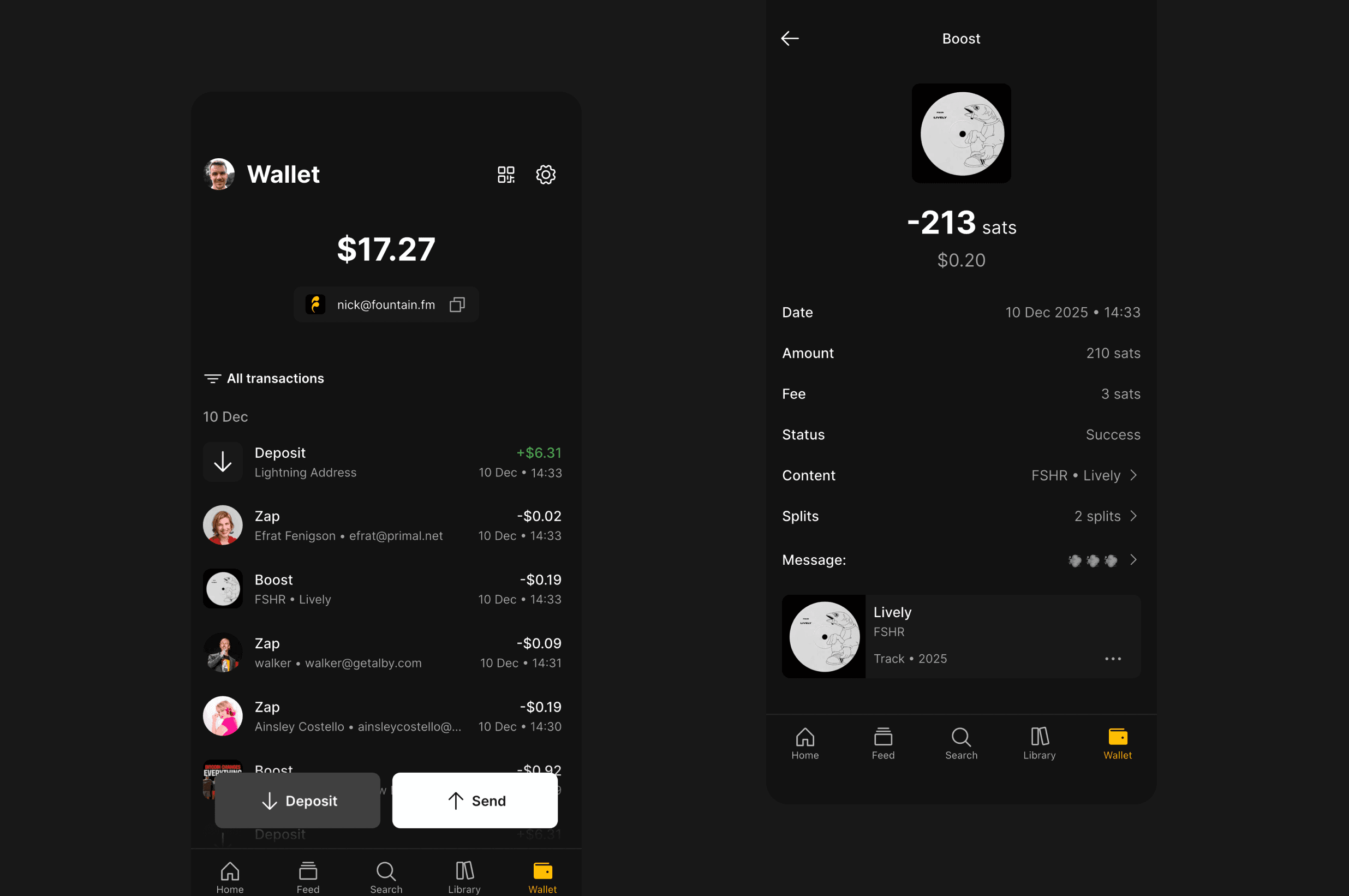
Fountain 1.4.0 - Wallet Redesign & Payment Upgrades
Fountain 1.4.0 rebuilds the wallet, adds Nostr Wallet Connect, and improves payments across the whole app.

Introducing: Fountain for Podcasters
Fountain for Podcasters is podcast hosting with monetization built in, and it imports your show from your current host.
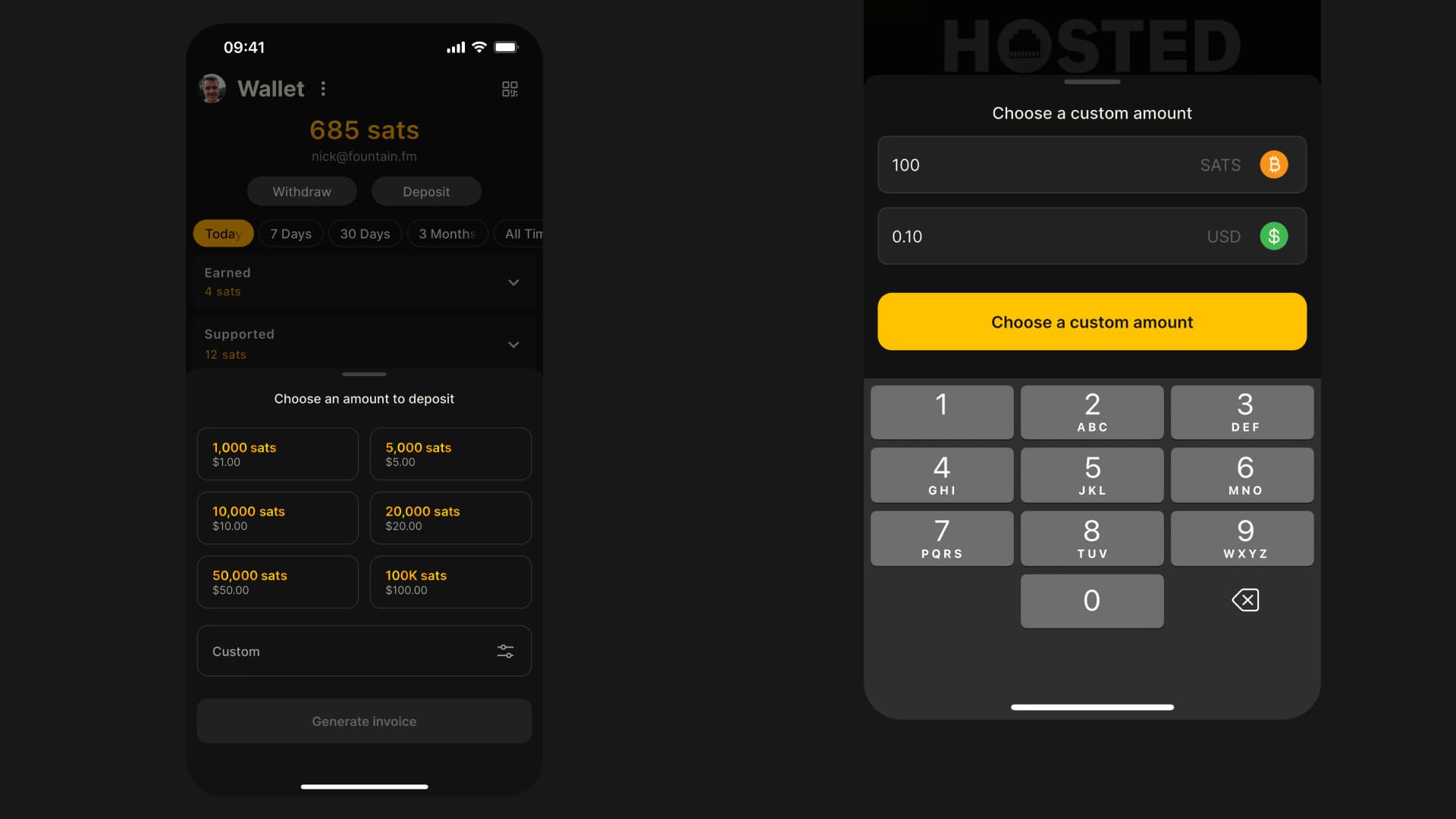
1.1.10 - Payment UX Improvements and Faster Boosts
Fountain 1.1.10 rebuilds the payment experience and makes boosts noticeably faster.